vaulted-agent v0.4.2
Launch Claude Code, Codex, Grok, or Kimi with vault-resolved secrets
in the process - not a pile of .env files.
One Rust binary (va), per-agent blast radius, optional prompt auth.
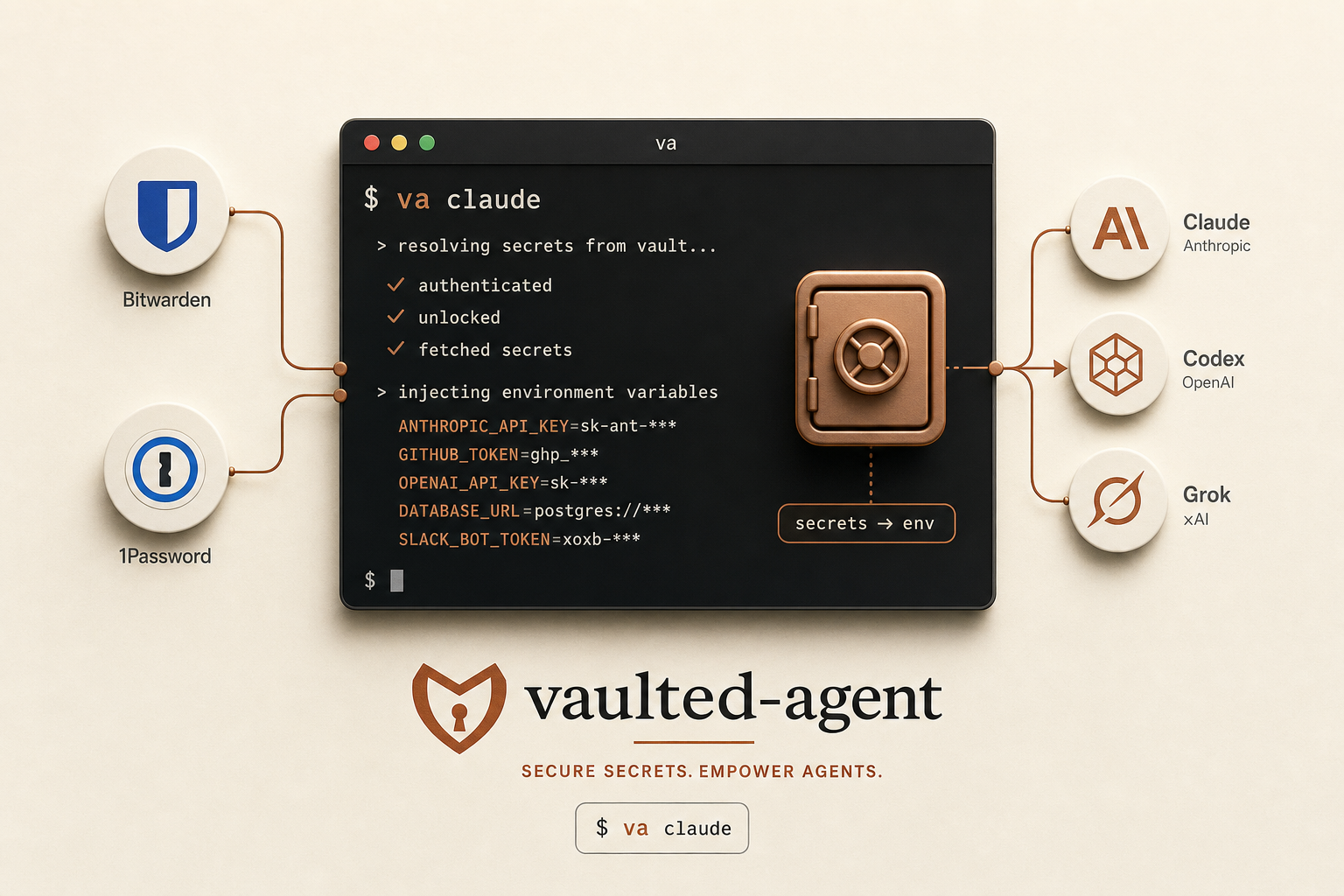
va claude - vault-resolved secrets in-process, not a pile of .env files.
Illustration made with gpt-image.
Quick start
-
Install
curl -fsSL https://stephens.page/vaulted-agent/install.sh | bashmacOS · Linux. Pins release
v0.4.2(Rust). Linux binaries are static musl (no glibc floor). Detects agents on PATH. -
Wire a vault
va setup
va doctor
Pick Bitwarden SM, 1Password, pass, or sops.
va refreshcan build a refs file for Bitwarden or 1Password (env var → secret id/name orop://path only - never secret values). -
Launch
va claude
va codex
va grok
va kimi
With prompt auth, paste the vault token when asked. Force once:
va grok -p.
Everyday commands
va                        # list harnesses
va doctor                 # health check
va secrets list           # Bitwarden SM
va refresh                # build/update refs (Bitwarden or 1Password)
va auth-mode prompt       # or: file
va run -m REFS --backend bitwarden -p -- your-cmd
sudo va uninstall
Bitwarden: use a Machine Account access token
(BWS_ACCESS_TOKEN), not your vault password.
Refs look like OPENAI_API_KEY=name:openai-api-key.
1Password: service account token in
OP_SERVICE_ACCOUNT_TOKEN;
va refresh lists items the token can see, asks which to
include, and writes VAR=op://VAULT/ITEM/FIELD lines
(section-qualified when labels collide).
Rotating a secret’s value needs no command; adding a new mapping:
va refresh.
Auth: prompt = paste token each launch (nothing on disk).
file = /etc/vaulted-agent/bws.env or op.env.
Override once with -p.
# From source instead of the one-liner:
git clone --branch v0.4.2 --depth 1 \
  https://github.com/JacobStephens2/vaulted-agent-launcher
cd vaulted-agent-launcher && sudo ./install.sh
How it works
Treat the agent as the unit of authorization. A harness names a command
and a manifest; the launcher becomes the service account, scrubs the
environment, resolves that manifest into the process, drops the vault
token, and execs. Diff the manifests and you have a written
answer to “which agent could reach what.” Secrets live in that process
until it exits.
you $ va claude --resume <id>
      │
      ▼
  /usr/local/bin/vaulted-agent   (alias: va)
      ├─ optional sudo -u <service>    become the service account
      ├─ cd workdir                    caller cwd by default (sessions / resume)
      ├─ scrub environment             allowlist only; nothing inherited rides along
      ├─ load vault auth               op.env / bws.env, or prompt (auth_mode)
      ├─ resolve manifest refs         op inject / bws secret get / …
      ├─ unset vault token             agent must not inherit the master key
      └─ exec claude … --resume <id>
             └─ secrets live here, until the process exits
What you get
- One vault token on disk (or none, with prompt auth) instead of a fleet of
.envfiles - Central rotation - change the vault, every future launch picks it up
- Diffable manifests: which agent can reach what
- Nothing secret on the command line (
psstays clean) va runfor tools and scripts without a harness filedoctor/secrets validatefail closed on placeholders
Honest limits
- Not “zero secrets on disk” when using
auth_mode=file- one service-account token remains - The agent can read its own environment (and so can anything as that user)
- Manifests are blast-radius control, not containment - with file auth the agent can still open the token file
- No TTY for token prompt when one agent shells out to another - use file auth or export the token in the parent
- Root on the host can still read everything
The pattern was proven under a Bash prototype, then rewritten as a Rust runtime (v0.4.0). Full walkthrough: One Vault, Three Agents.
More
Prefer not to pipe to bash? Download
install.sh, read it, then run it.
Flags after bash -s --:
--backend bitwarden --auth-mode prompt,
--user agent, --no-auto-harness.
Full reference on
GitHub.
Resume works as usual: va claude --resume <id>,
va codex resume <id>, va kimi --continue.